Project Overview
Although we don’t have time to build a project from scratch
we can go through one a small one I have built.
100Days is a simple application that gives users the
option to create a goal of doing something everyday for
100 days. Inspired by the 100 Days of Code challenge
on twitter the app is supposed to help users continue
to create goals and learn new things.
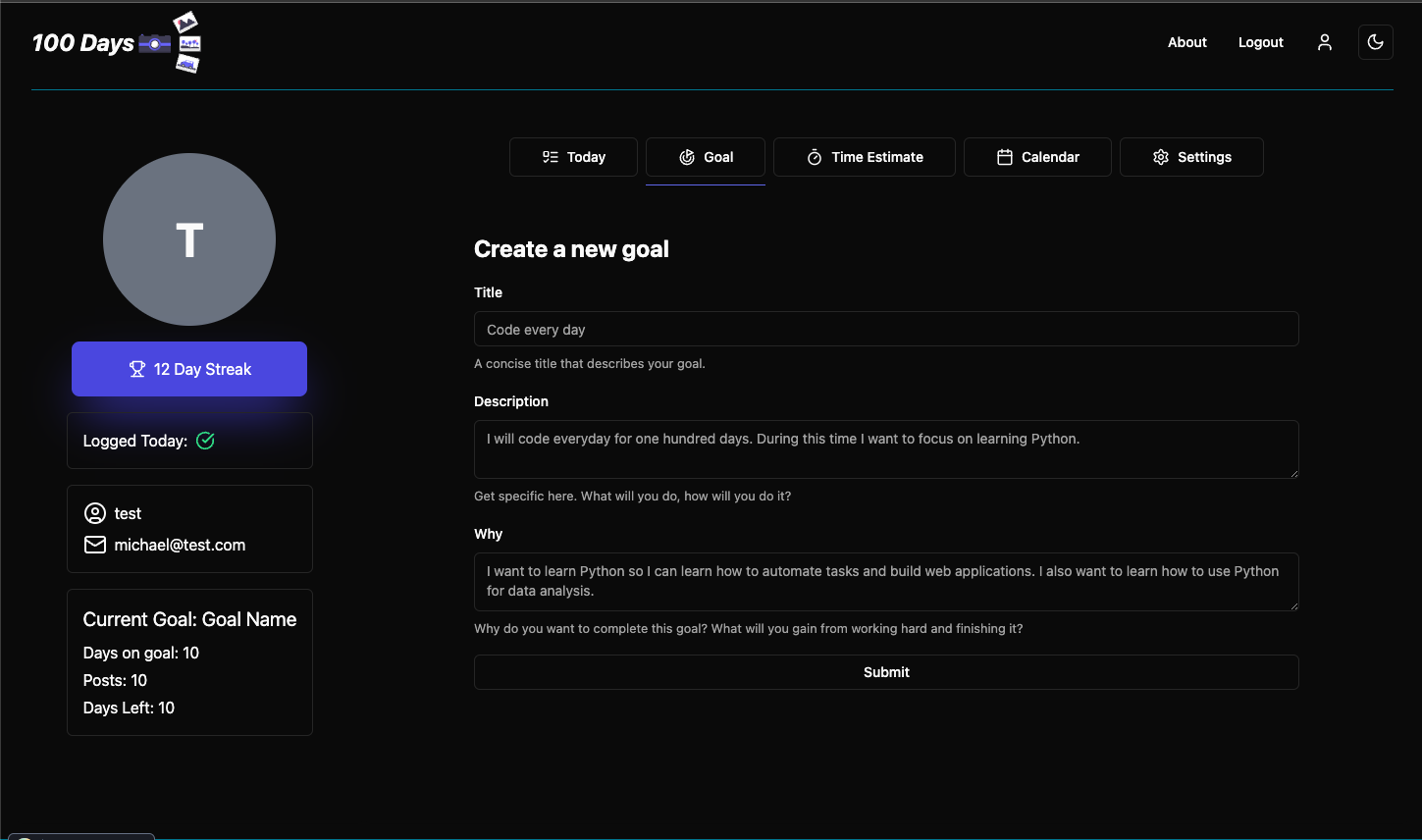
The frontend application is a react app served with
the Vite server and includes a Dockerfile to
serve via nginx.
The code can be found here. Please keep in mind a lot of this code is for examle use and not production ready.
App Host
var builder = DistributedApplication.CreateBuilder(args);
var secrets =    builder.ExecutionContext.IsPublishMode        ? builder.AddAzureKeyVault(name: "secrets")        : builder.AddConnectionString("secrets");
var username = builder.AddParameter("username", secret: true);var pwd = builder.AddParameter("password", secret: true);
var messaging = builder    .AddRabbitMQ("messaging")    .WithManagementPlugin();
builder.AddProject<Projects.User_Email>("consumers")    .WithReference(messaging);
var authdb = builder    .AddPostgres(        name: "auth",        port: 5433,        userName: username,        password: pwd    )    .AddDatabase(name: "authdb", databaseName: "100days_auth");
var authService = builder    .AddProject<Projects.Auth_Api>("authapi")    .WithReference(messaging)    .WithReference(secrets)    .WithReference(authdb);
var goaldb = builder    .AddPostgres(        name: "goal",        port: 5434,        userName: username,        password: pwd    )    .AddDatabase(name: "goaldb", databaseName: "100days_goal");
var goalService = builder    .AddProject<Projects.Goal_Api>("goalapi")    .WithReference(messaging)    .WithReference(secrets)    .WithReference(goaldb);
var entrydb = builder    .AddPostgres(        name: "entry",        port: 5435,        userName: username,        password: pwd    )    .AddDatabase(name: "entrydb", databaseName: "100days_entry");
var entryService = builder    .AddProject<Projects.Entry_Api>("entryapi")    .WithReference(messaging)    .WithReference(secrets)    .WithReference(entrydb);
// apply migrationsbuilder.AddProject<Projects.Auth_MigrationService>("auth-migration").WithReference(authdb);builder.AddProject<Projects.Goal_MigrationService>("goal-migration").WithReference(goaldb);builder.AddProject<Projects.Entry_MigrationService>("entry-migration").WithReference(entrydb);
builder    .AddNpmApp("react", "../100days.client", "dev")    .WithReference(authService)    .WithReference(goalService)    .WithReference(entryService)    .WithEnvironment("BROWSER", "none")    .WithHttpEndpoint(env: "PORT")    .WithExternalHttpEndpoints()    .PublishAsDockerFile();
builder.Build().Run();
With the exception of RabbitMQ, Azure Key Vault and the migration services we’ve already seen a lot of the code in the previous example.
This application uses Azure Key Vault to store signing crednetials for the asymetric jwt authentication, a very simple use case for RabbitMQ and the migration services to apply the migrations to the databases. We’ll go over each individually.